
The Difference Between 3D Modeling, Rendering, and Animation
If you have ever watched a stunning movie commercial, explored a virtual architectural walkthrough, or marveled at a sleek product commercial, you have experienced the magic of computer graphics. However, when people outside the industry talk about these visuals, they often mix up the terminology. Understanding 3D modeling vs rendering vs animation is essential if you are planning a creative project. While these three terms are closely related, they represent completely separate stages in the digital production pipeline, each requiring specialized skills, tools, and creative techniques to master.
Think of creating a digital scene like making a live action movie. You first need to sculpt the actors and build the physical sets. Then, you direct how those characters move, speak, and interact across the stage. Finally, you set up the lighting, point the camera, and capture the finished film. In the computer graphics world, modeling is building the assets, animation is bringing them to life, and rendering is taking the final photograph. Let us unpack each discipline to see how they work together to create breathtaking digital experiences.
The Foundation: What Is 3D Modeling?
Before anything can move, react, or shine in a virtual space, it must first exist as a physical form. This initial stage is known as 3D modeling.
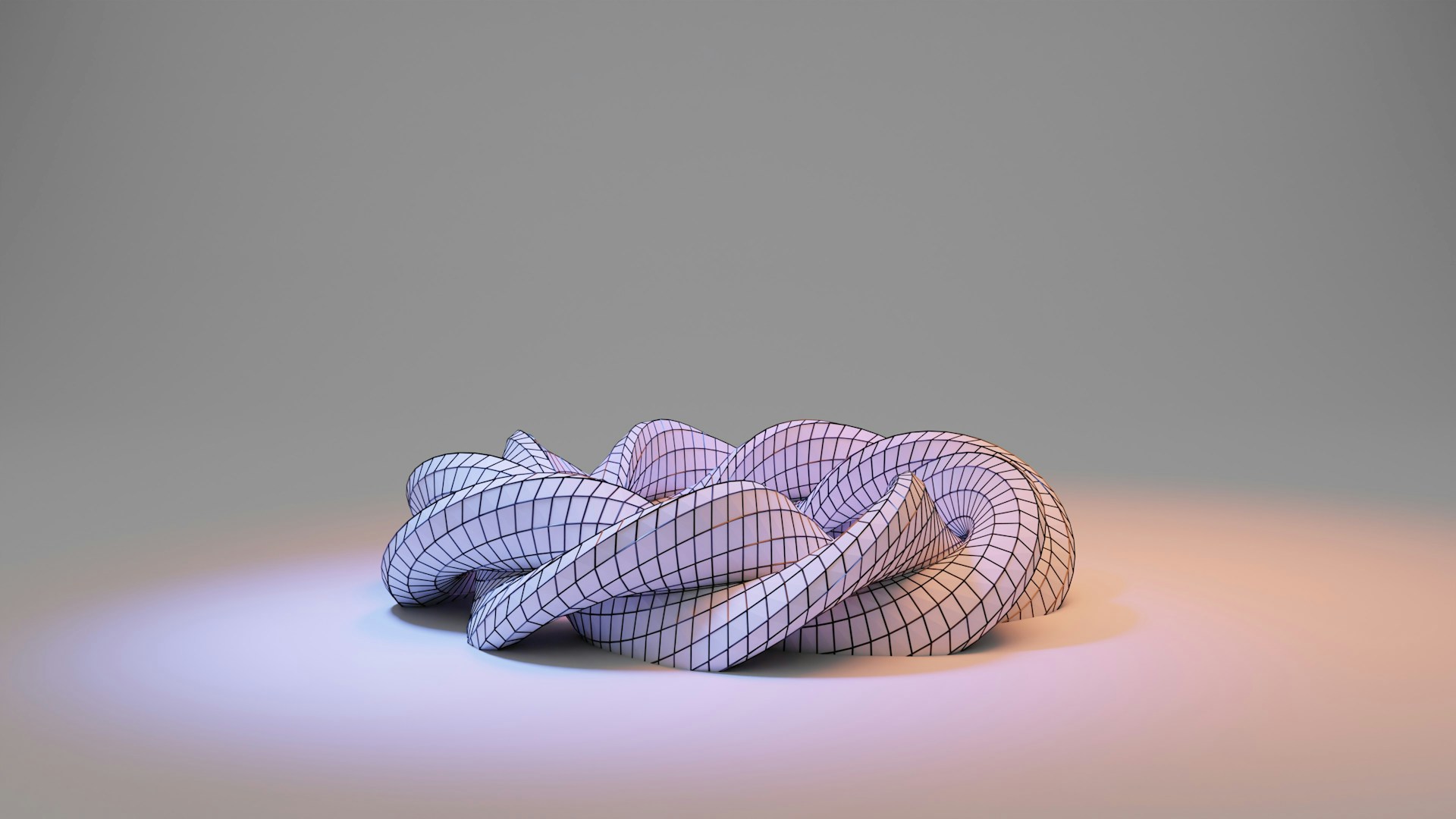
In simple terms, modeling is the digital equivalent of sculpting with clay or building with raw construction materials. A digital artist works within specialized software to create a three dimensional object out of points in space, known as vertices. When these vertices connect, they form edges, and when edges connect, they form flat surfaces called polygons or faces. Thousands or even millions of these microscopic polygons assemble together to form a polygon mesh.
Whether an artist is creating a simple coffee cup, a complex piece of industrial machinery, or a fantasy creature, every physical shape starts as an untextured, grey wireframe mesh.
The Core Techniques of the 3D Modeling Process
Different projects call for distinct approaches during the 3D modeling process:
- Polygonal Modeling: The artist builds objects by extruding, scaling, and manipulating polygon faces. This is the standard method for video games, animation, and real time graphics.
- NURBS and CAD Modeling: Non Uniform Rational B Splines rely on mathematical curves rather than flat facets to generate perfectly smooth, hyper precise surfaces. This is the standard in automotive design, aerospace engineering, and industrial manufacturing.
- Digital Sculpting: Much like working with real world digital clay, artists use pressure sensitive digital pens to push, pull, pinch, and carve ultra fine details like skin pores, wrinkles, and fabric folds into high resolution meshes.
- Procedural Modeling: Utilizing algorithmic rules and mathematical nodes to generate vast environments, rock formations, cities, or foliage automatically.
Once an object has its structural geometry finalized, it is ready for the next stages of preparation. However, an untextured model is still just a grey sculpture floating in an empty digital void.
Breathing Life: What Is 3D Animation?
Now that our digital objects, vehicles, and characters have physical form, how do we make them do something interesting? This is where the art of motion comes into play.
Animation is the craft of creating the illusion of movement and life over time. When exploring the difference between 3D modeling and animation, the contrast is straightforward: modeling creates the static puppet, while animation pulls the strings and gives that puppet a personality, purpose, and rhythm.
To animate an object, artists manipulate its position, rotation, and scale along a digital timeline. By setting keyframes at specific moments in time, the computer calculates the smooth in between frames.
How Animation Brings Digital Worlds to Life
Animating involves far more than simply dragging an object from point A to point B. It requires a deep understanding of weight, physics, anatomy, and emotion. Key components of this phase include:
- Rigging and Skinning: Before a character, animal, or mechanical device can move naturally, technical artists build an internal skeleton made of digital bones and joints. Rigging connects this bone structure to the 3D mesh, establishing how the outer surface stretches, bends, and deforms when the bones rotate.
- Character Animation: Artists apply the classical principles of motion, including anticipation, squash and stretch, timing, and follow through. This gives animated figures believable weight, genuine personality, and emotional expression.
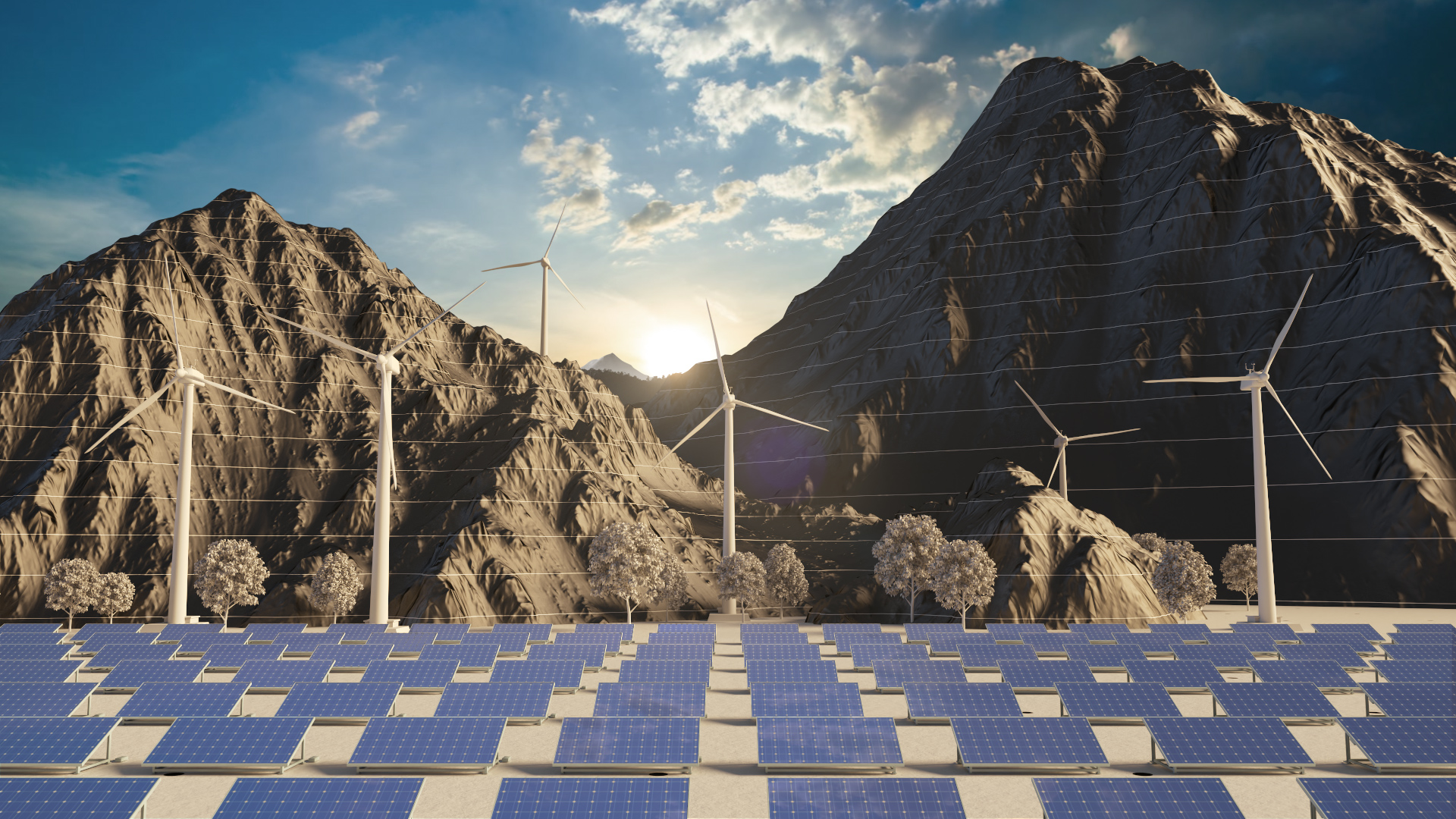
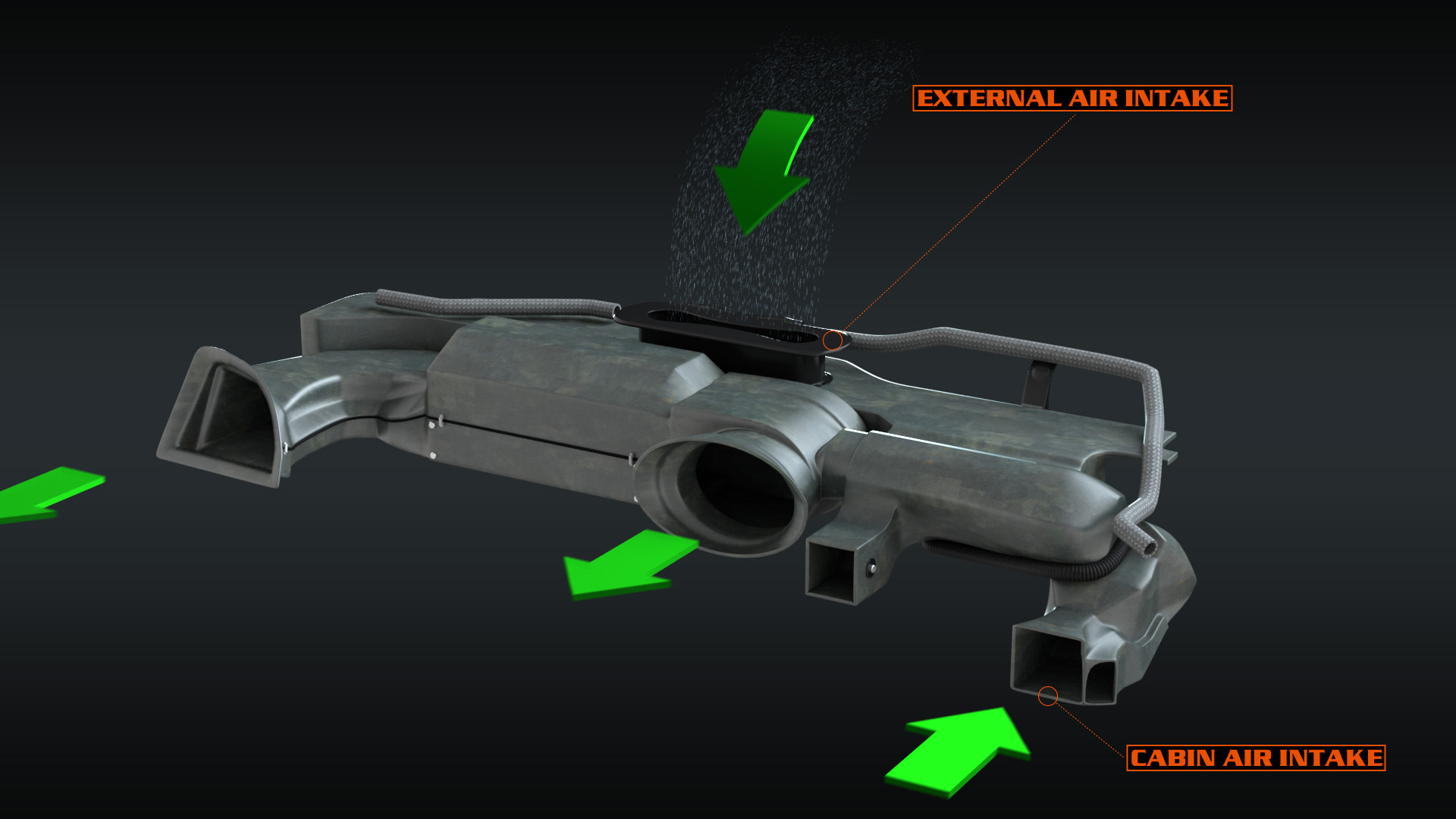
- Mechanical and Technical Animation: For industrial equipment, medical devices, and consumer electronics, animators choreograph intricate gears, pistons, folding hinges, and exploded views with mathematical precision.
- Physics Simulations and Dynamics: Not all motion is keyframed by hand. Dynamic simulations handle natural phenomena like wind blowing through trees, water splashing against glass, cloth folding around a moving body, and smoke billowing from an engine.
Integrating dedicated motion graphics production and character motion brings storytelling energy to every frame. But even after all the motion is choreographed, our scene is still just an interactive preview inside the workspace. It needs to be transformed into a finished visual.
The Final Reveal: What Is 3D Rendering?
So, what is 3D rendering and how does it fit into the broader creative workflow?
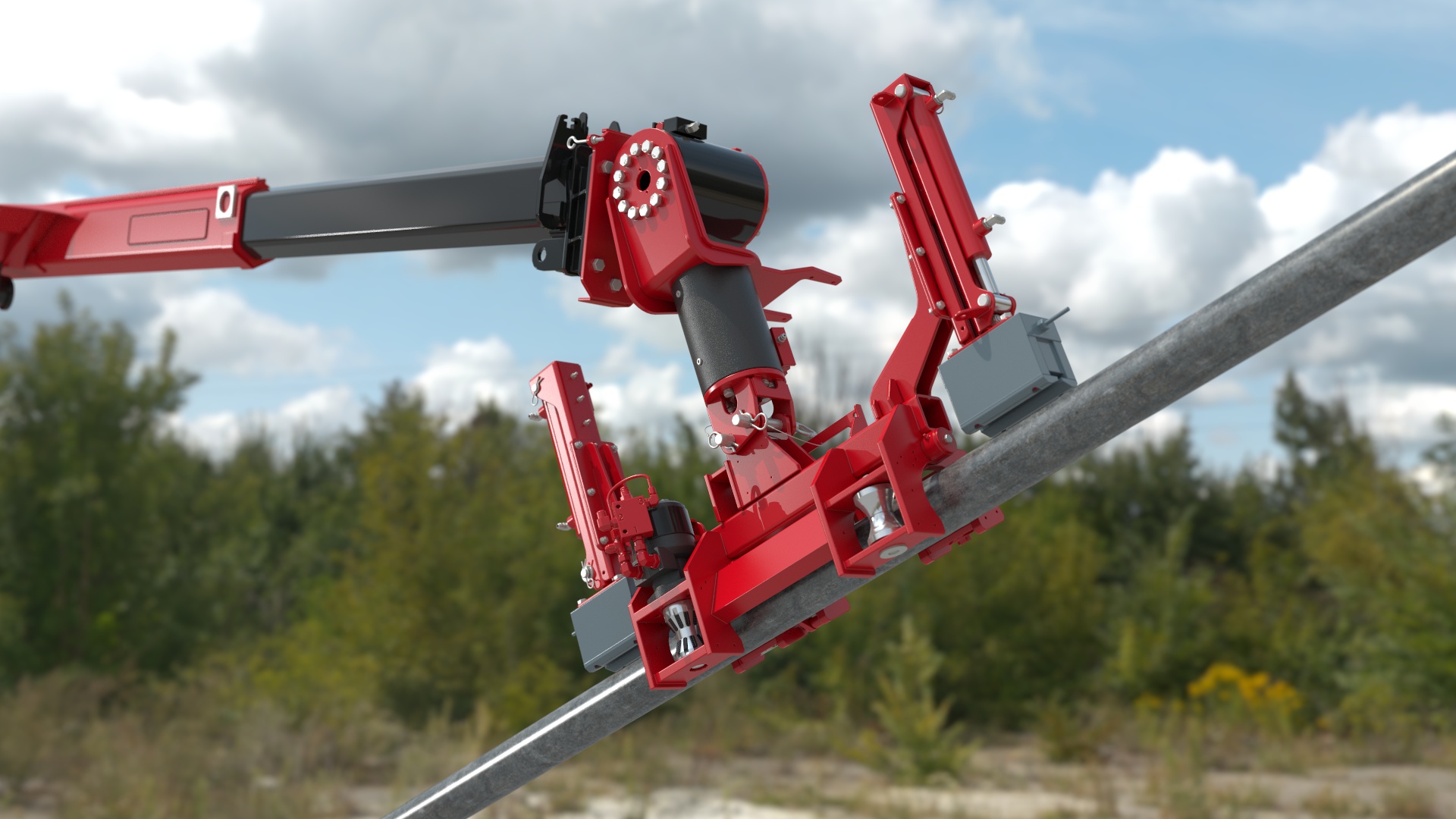
Rendering is the computational process of calculating light, materials, shadows, reflections, and atmospheric effects to convert a three dimensional scene into a final two dimensional image or video sequence. It is the moment where the raw geometry and animated movement are translated into photorealistic frames.
To understand 3D modeling vs 3D rendering, imagine a professional photography studio. Modeling is setting up the mannequins and props. Animation is having the models strike a pose or walk across the stage. Rendering is setting up the studio strobe lights, adjusting the camera aperture and depth of field, clicking the shutter, and developing the film into a print.
The Science Behind Digital Light
Modern render engines simulate real world physics to calculate how millions of virtual light rays interact with digital surfaces. During the rendering phase, the software calculates:
- Materials and Shaders: How shiny, rough, metallic, transparent, or fibrous a surface appears. Shaders tell the computer whether an object looks like brushed aluminum, clear glass, oily leather, or human skin.
- Global Illumination: How light bounces off one surface and subtly tints nearby objects, creating soft, natural ambient lighting.
- Reflections and Refractions: How light bends as it passes through water or glass, or reflects off mirrors and polished chrome.
- Camera Effects: Simulating physical optical phenomena like depth of field, motion blur, lens distortion, and optical flare.
Depending on the complexity of the scene, rendering a single frame of high end animation can take anywhere from a fraction of a second on modern graphics cards to several hours per frame on powerful compute farms.
Understanding the Difference Between 3D Modeling and Rendering
It is very common for newcomers to confuse the difference between 3D modeling and rendering, but keeping them separate is easy when you look at their functions:
| Production Aspect | 3D Modeling | 3D Rendering |
| Primary Focus | Creating shape, volume, and structure | Calculating light, color, materials, and optics |
| Output Type | 3D polygon mesh file (OBJ, FBX, CAD) | 2D image or image sequence (PNG, EXR, MP4) |
| Core Skillset | Spatial reasoning, anatomy, industrial design | Lighting design, color theory, material physics |
| Role in Pipeline | The very first creation step | The final visual computation step |
| Movement | Static object creation | Translates movement into motion blurred images |
You cannot render a scene without models to catch the light, and a model remains an unpolished wireframe until it passes through the rendering pipeline.
How Modeling, Animation, and Rendering Work in Harmony
To see how 3D modeling vs rendering vs animation play out in the real world, let us look at how an animated commercial comes together from start to finish.
Imagine creating an advertisement for a new luxury electric vehicle.
First, during the modeling phase, artists take the manufacturer CAD files, clean up the polygon topology, and build an ultra detailed 3D digital twin of the car, right down to the tire treads and dashboard stitching. They also build the digital environment, such as a winding mountain highway at dusk.
Next, during the animation phase, the car is rigged with suspension systems and wheel constraints. Animators animate the car drifting smoothly around tight corners, choreographing a virtual camera that flies inches off the asphalt to capture the sense of speed.
Finally, in the rendering phase, lighting artists set up a realistic sunset sky. They apply metallic car paint shaders with realistic clear coat reflections, make the headlights cast bright beams across the pavement, simulate exhaust heat distortion, and render the complete sequence out in full high definition resolution.
When you look at the complete 3D animation process, each stage builds directly upon the foundation laid by the one before it.
Where These Disciplines Are Used Across Industries
The combination of 3D modeling and animation with high end rendering has revolutionized visual communication across virtually every sector:
- Commercial Advertising and Brand Identity: Transforming everyday brand marketing with dynamic 3D logo production and engaging commercial spots.
- Product Marketing and Engineering: Using photorealistic product video production to demonstrate new consumer hardware, internal mechanical operations, and unreleased prototypes before factory manufacturing begins.
- Corporate and Business Communications: Delivering clear, high impact corporate video production that explains complex business models to investors and stakeholders.
- Educational and Training Content: Developing step by step training video production for healthcare professionals, aviation technicians, and manufacturing teams.
- Visual Effects and Entertainment: Integrating digital creatures, dynamic destruction, and futuristic environments through dedicated visual effects production.
Whether a company needs clear explainer video production or stylized marketing video production, knowing how these three pillars interact ensures smoother communication between clients, directors, and production studios.
Decades of Animation Mastery with Hatch Studios

Achieving photorealistic results, fluid motion, and flawless visual fidelity requires a rare blend of creative artistry and technical mastery. At Hatch Studios, we have been developing high quality 3D animated videos, broadcast commercials, and visual assets for decades.
Our experienced team has collaborated with leading global brands, agencies, and innovative startups across a wide variety of animation industries. We handle the entire creative spectrum in house, whether you need pure 3D animation production, illustrative 2D animation production, or a blend of distinct animation styles.
We believe that great animation starts with clear communication. That is why our proven animation services are designed around a transparent, step by step workflow, guiding you through concept art, storyboarding, 3D modeling and rendering, animation, and final post production.
To see how we transform complex ideas into visually stunning narratives, take a tour through our portfolio of recent client work. You can also visit our about page to learn more about our studio history, or explore our blog for fresh tutorials, industry insights, and creative inspiration.
Bringing Your Digital Vision to Reality
Understanding 3D modeling vs rendering vs animation gives you a clearer appreciation for the tremendous craft that goes into modern digital media. 3D modeling gives your ideas physical form, animation gives them life and personality, and rendering gives them light, realism, and polish.
When these three artistic disciplines align under a unified creative vision, the result is nothing short of breathtaking.
Whether you are looking to launch an innovative consumer product, visualize an architectural concept, or tell a compelling brand story, leveraging professional 3D modeling and animation can help your business stand out in a crowded market.
Are you ready to bring your ideas to life with high end computer graphics? Reach out to our creative team through our contact page today, and let us create something extraordinary together.
FAQ
What is the difference between 3D modeling, animation, and rendering?
3D modeling creates the digital shape and structure of an object, animation gives that object movement and life, and rendering calculates lighting, materials, shadows, and camera effects to produce the final 2D image or video.
What is 3D modeling used for?
3D modeling is used to create the digital geometry of objects, characters, environments, vehicles, products, and other assets. Artists can use techniques such as polygonal modeling, NURBS and CAD modeling, digital sculpting, and procedural modeling depending on the project’s requirements.
How does 3D animation bring digital objects to life?
3D animation creates movement by manipulating an object’s position, rotation, and scale over time. Artists can also use rigging, character animation, mechanical animation, and physics simulations to create natural movement, realistic interactions, and complex technical sequences.
What does 3D rendering do?
3D rendering converts a completed digital scene into a finished 2D image or video sequence. The rendering process calculates elements such as materials, lighting, global illumination, reflections, refractions, depth of field, motion blur, and other camera and optical effects.
How do modeling, animation, and rendering work together?
The three disciplines form connected stages of the 3D production pipeline. Artists first create the models, animators add movement and interaction, and rendering artists produce the final visuals by calculating lighting, materials, cameras, and other effects. Together, these stages transform digital concepts into polished images and videos.